
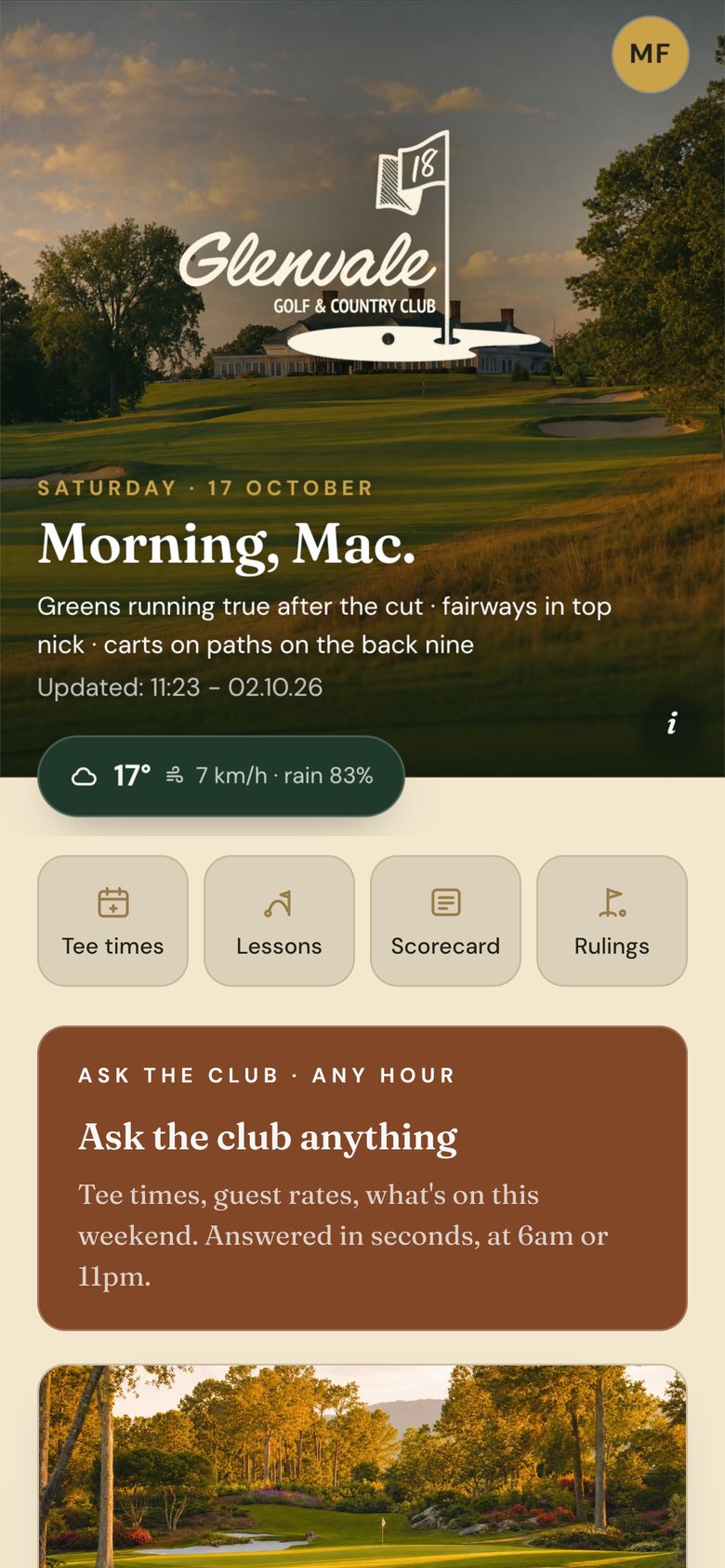
Open a Looper app and the first thing you see is your club: its crest and colours over a photograph of its own course, and then your name. Morning, Mac.
Under the greeting is the course note the club office wrote that morning, and the weather at the club. A row of buttons below takes a member straight to the things they reach for most, lessons, the scorecard and a ruling among them.
What's on, and who's going
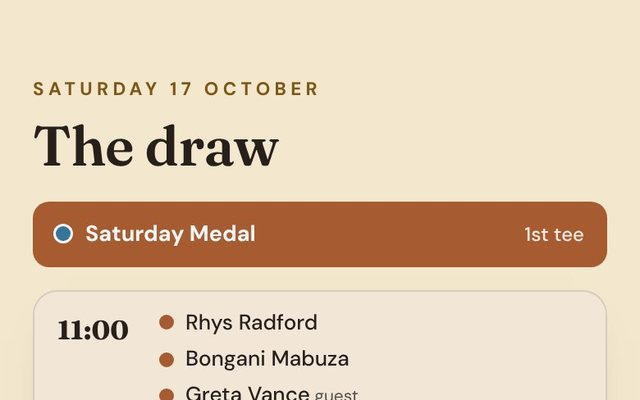
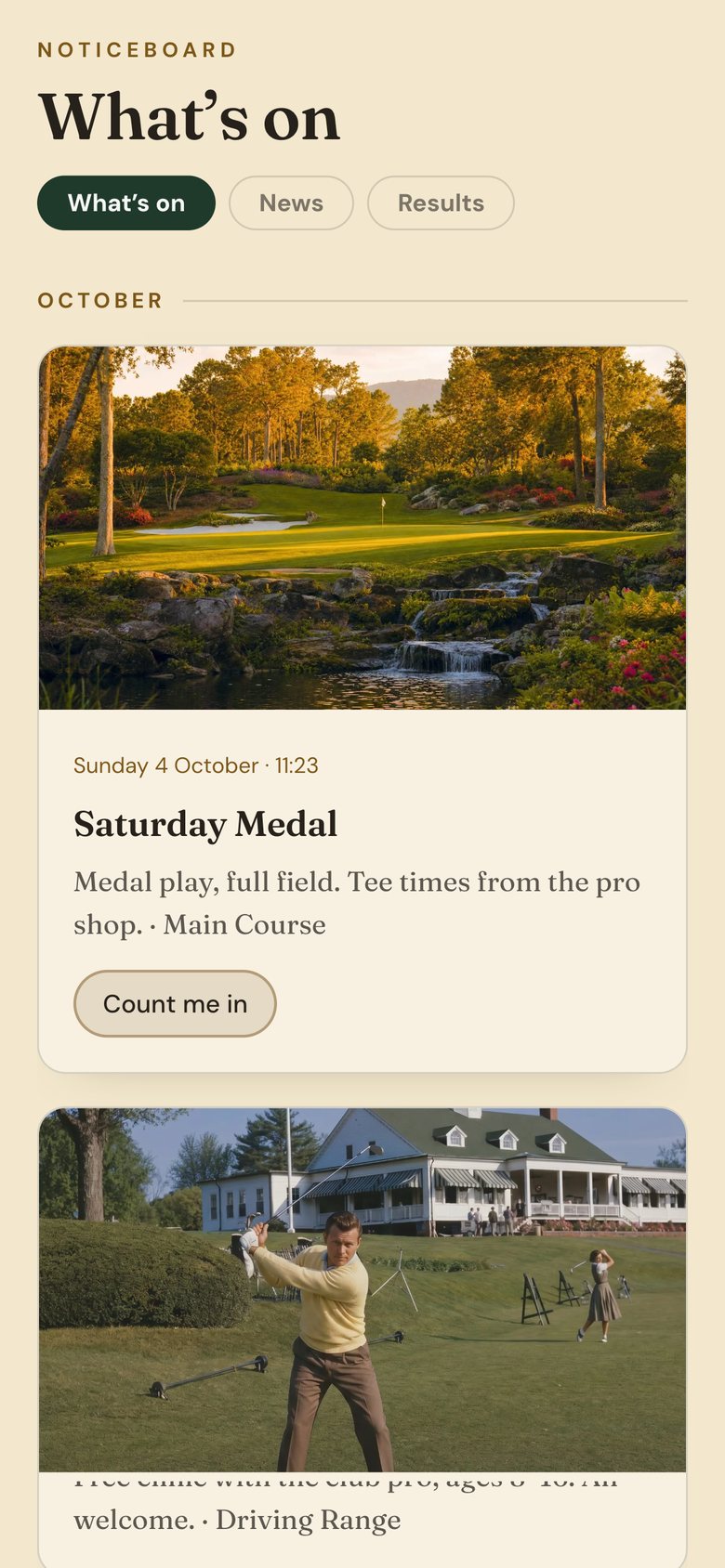
Events reach the home screen and the noticeboard as soon as the office posts them: comps, socials and clinics. Each one has a button that says Count me in. Results go up the same way, so a member who missed the prize-giving still sees who won the Saturday Medal.
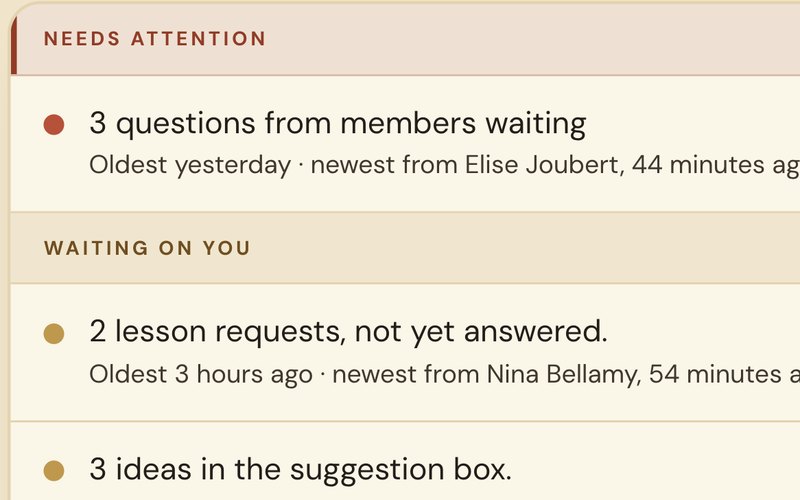
For everything else there's Ask the Club. It takes the questions a member would otherwise phone the office about, guest rates or what's on this weekend, and answers them at 6am or 11pm.
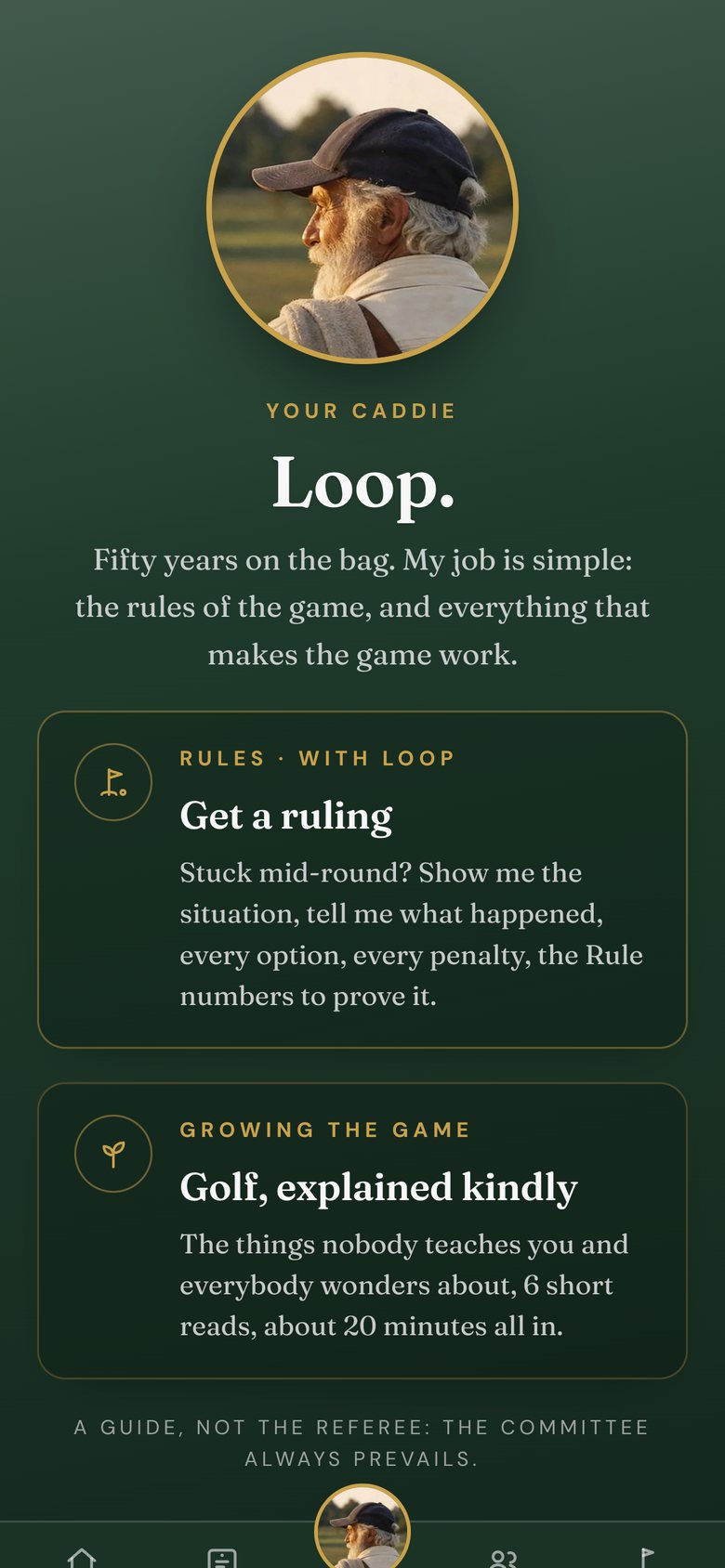
Loop
Then there's Loop, the club's caddie, with fifty years on the bag. Stuck mid-round, a member can show Loop the lie, say what happened and get every option, every penalty and the Rule numbers to prove it. Loop is clear about his place: a guide, not the referee, and the committee always prevails. For newer golfers he keeps six short reads on the things nobody teaches you, about 20 minutes all in.
Every Looper club runs on the same app. The crest, the colours, the photographs and the news belong to the club, and that is what members see when they open it.
Curious what your members would carry? Tell us about your club and we'll take a closer look.
Get a quote →