
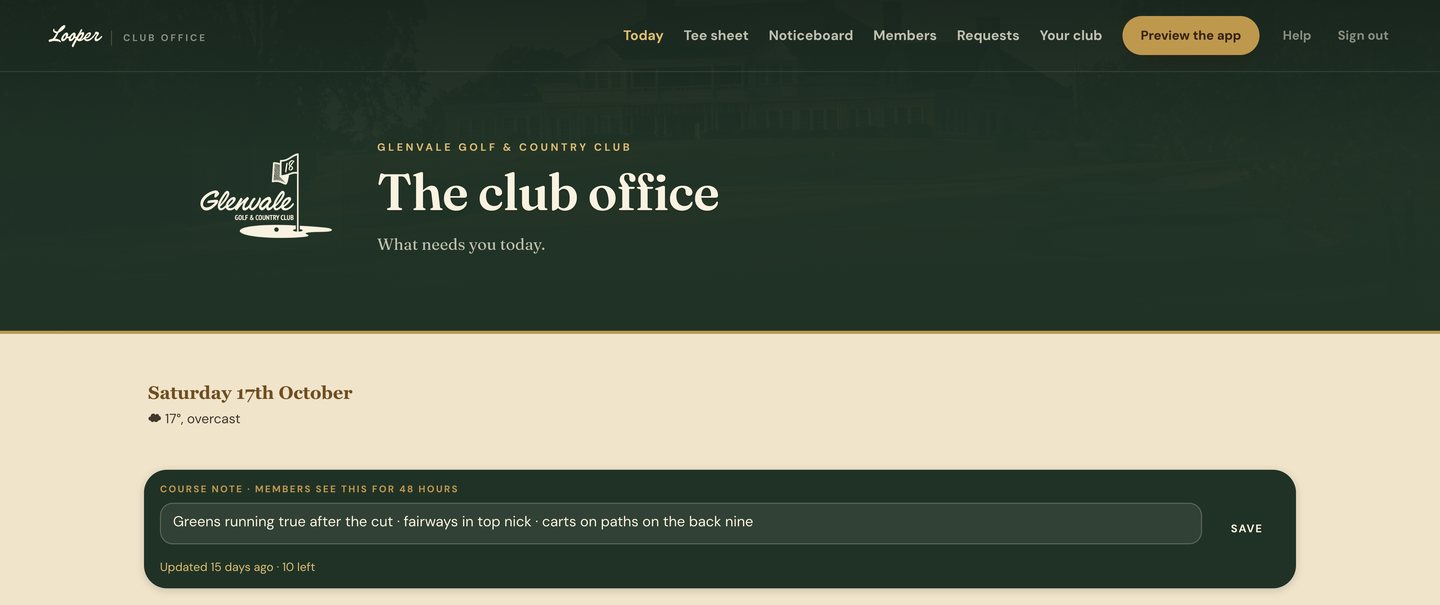
Every club office starts the day the same way. Someone unlocks the door, puts the kettle on and works out what needs doing before the phone starts ringing. We built the Looper club office around that first hour. Its opening screen asks one question: what needs you today?
The screen opens on the date and the weather. Below them sits the course note, one line the office writes for the members: greens running true after the cut, carts on paths on the back nine. Type it, press save, and it sits at the top of every member's app for the next 48 hours.
What needs you, and what can wait
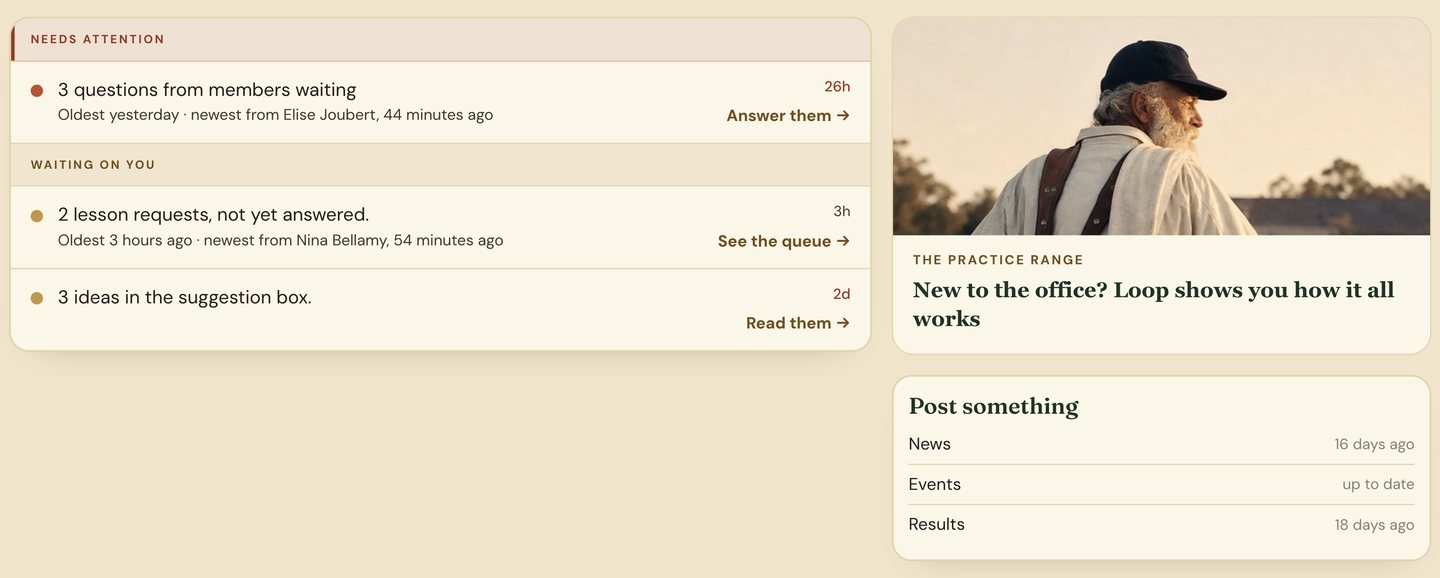
Under the note are two short lists. The first is what needs attention now, such as questions from members still waiting for an answer. Each line says how many there are, how long the oldest has waited and who asked last. The second list is what is waiting on you: lesson requests not yet answered, ideas left in the suggestion box. One tap opens each queue.
Keeping the club's news fresh
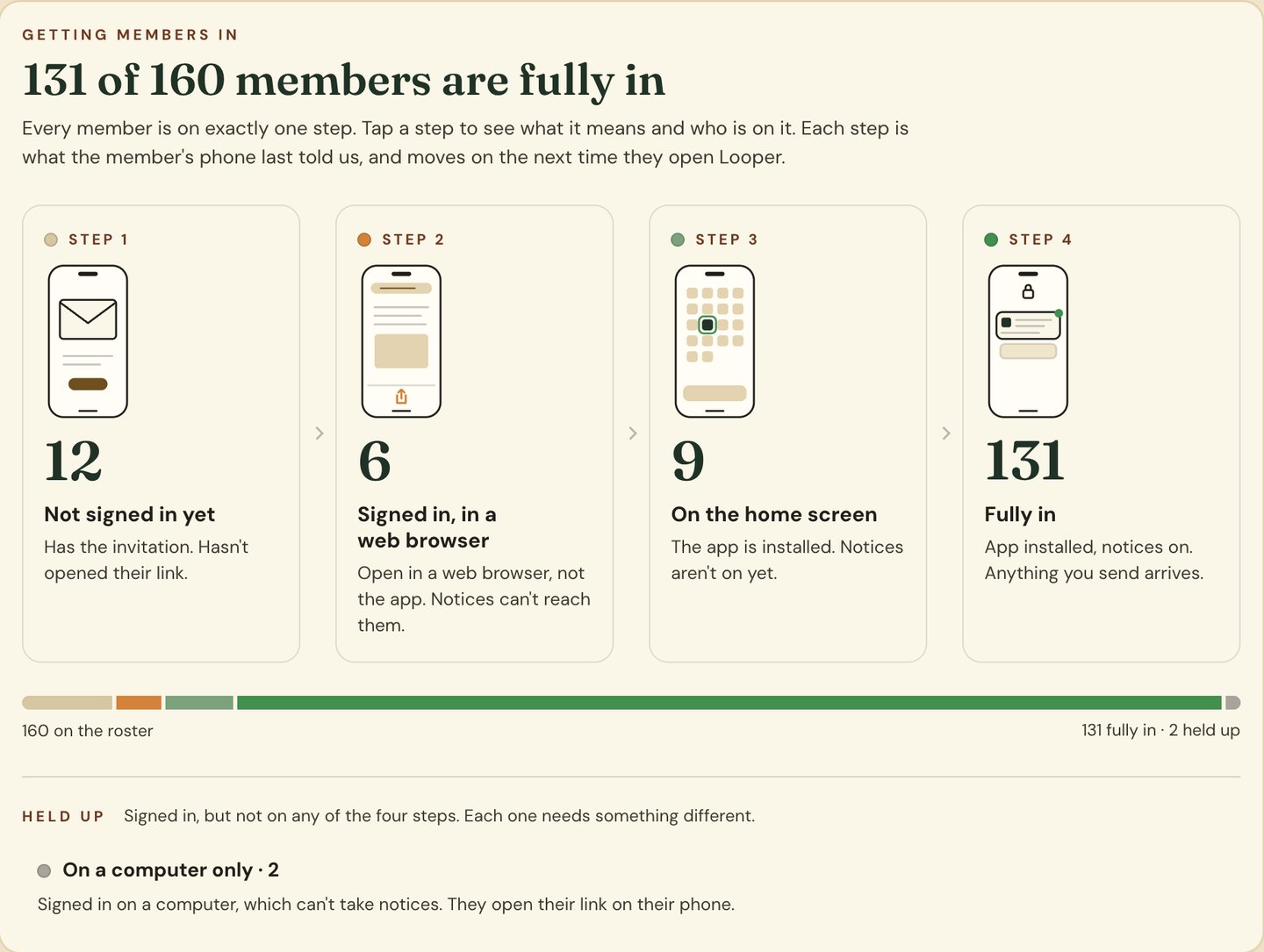
Beside the lists is Post something: the club's news, events and results, each with how long since it was last updated. Sixteen days since the last news post is a quiet nudge to write one. At the foot of the page is a simple count of the club's members and how many have signed in.
Who's in, and who's on the tee
The Members page shows the whole roster and how far each member has got with the app: invited, signed in, on the home screen, or fully in with notices on. Fully in means anything the office sends arrives. The office can see at a glance who it will reach and who still needs a nudge.
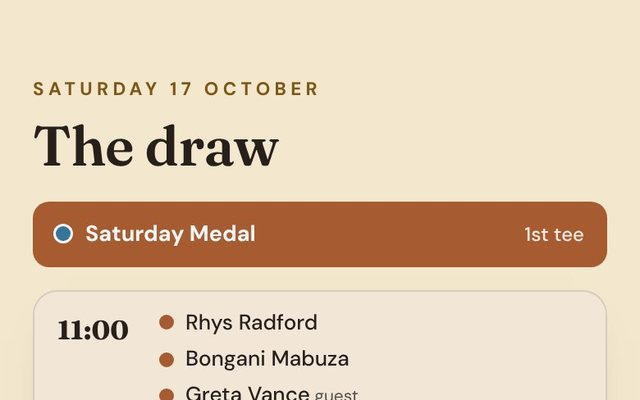
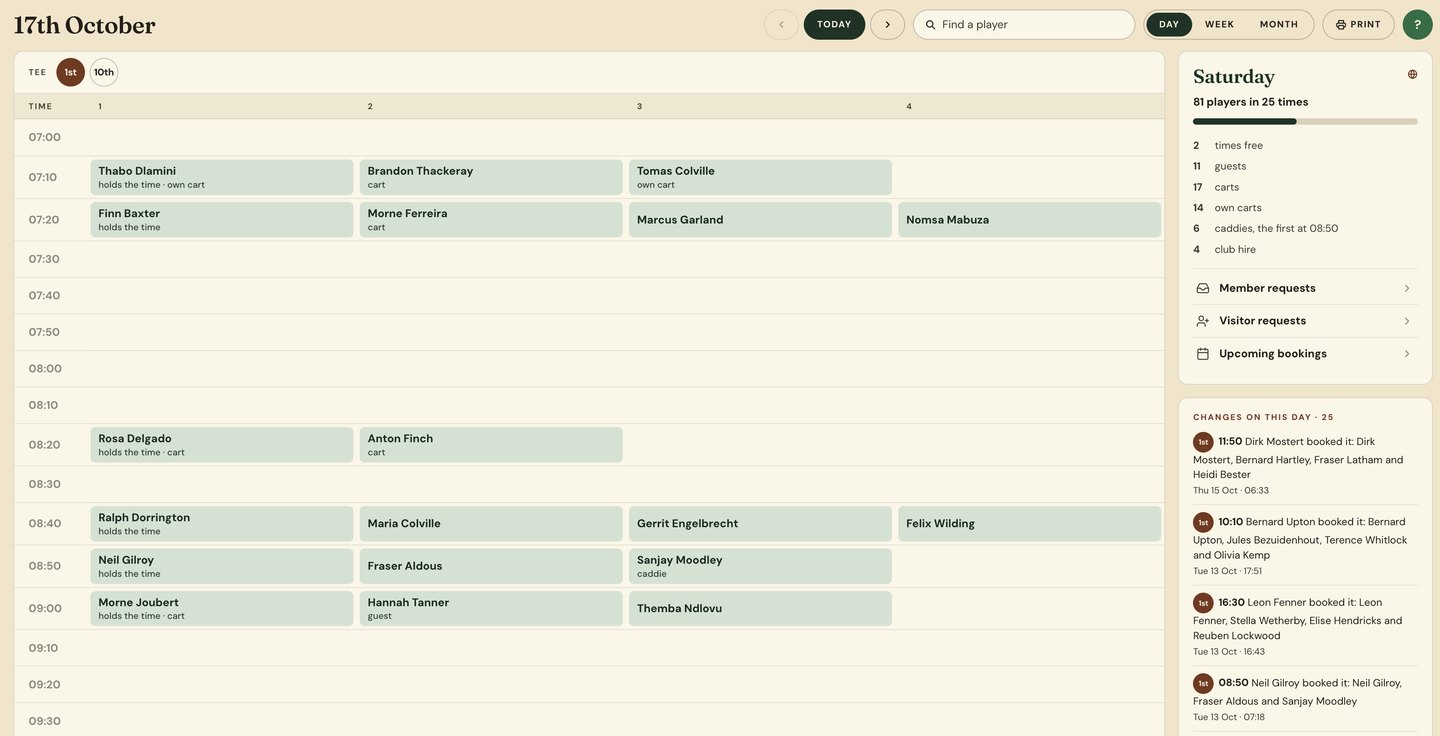
The tee sheet is coming soon, and it lives in the same office: the day's times, who holds each one, carts, caddies and guests, and every change made to the day.
New staff don't need a manual. Loop, the caddie who lives in the members' app, also keeps a practice range in the office, and it walks a newcomer through how everything works.
I've spent a lot of time in club offices over the years. The people in them are the reason a club runs, and most of what they do is never seen by the members. This screen is our attempt to make the first hour of their day a little easier.
Want to see the office set up for your club? Tell us about it and we'll take a closer look.
Get a quote →